Skip to content

For painting contractors

Software for painting subbies.

Residential repaints, commercial and new builds. Price it by the square metre, run the crew and see what the job really cost, without a spreadsheet beside the software.

No credit card · 14 days · Cancel any time

Updated

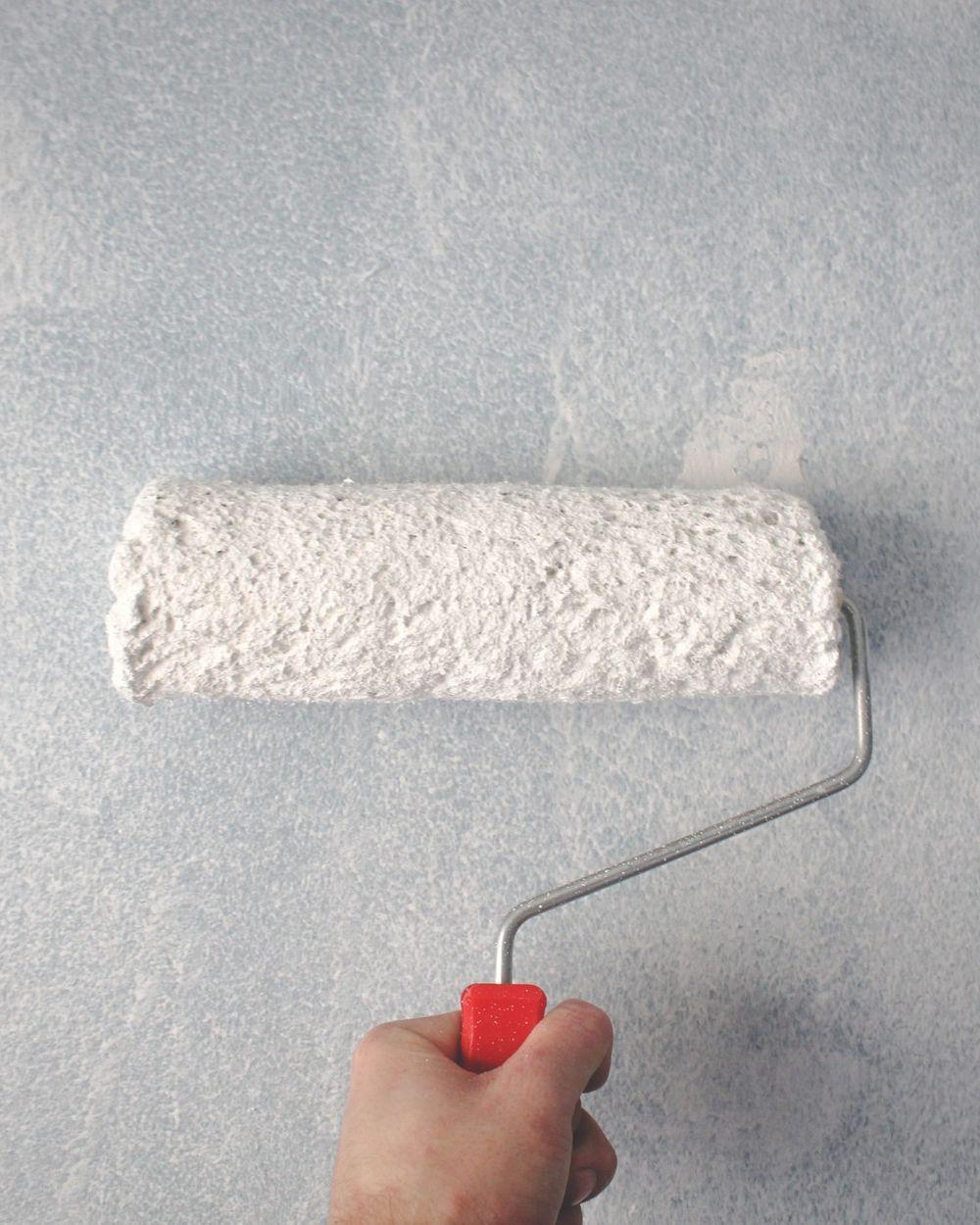
A painter rolling a fresh coat of white paint onto a wall

For painting subbies

Your day shouldn't run on texts and paper.

  • Messy timesheets
  • Missing claims
  • Variations not billed
  • Photos lost in the camera roll
  • No site diary
  • Quotes gone cold

Run the crew and the paperwork from one app

Time clock & timesheets

From paper timesheets to pay-ready hours

Site diary & photos

From photos in the ute to a site diary on every job

Progress claims

From a spreadsheet claim to a claim built from your estimate

Variations

From variations in texts to variations billed

Sound familiar?

You've got the software. And the spreadsheet beside it.

Most subbies run an Excel template alongside their software to cover the gap. Subino is built for subbies, so there's no spreadsheet on the side.

  • Today

    Rates per square metre in a workbook

    Walls, ceilings, trim and doors, each with its own rate per coat, sit in an Excel template, and every quote starts by copying the last one.

    With Subino

    Area × coats in the cost sheet, priced from your own rates.

  • Today

    Hours on a paper timesheet

    The crew write their hours on paper or in a text, so nobody knows if the job came in under the hours it was priced on until the books are done.

    With Subino

    One tap to clock on, and the hours land on the job.

  • Today

    Extras agreed on site

    Another room, a feature wall, a colour change. Agreed with the client on the day, then forgotten when it's time to invoice.

    With Subino

    Price the extra room and get it approved by link first.

Questions

Straight answers

Does it do progress claims?

Yes. Claim by percent complete against the scopes you priced, with approved variations on their own lines and retention carried forward. The builder gets a link to open it, and the claim goes to Xero as an invoice.

Does it work with Xero?

Yes. Bills, progress claims and payroll timesheets go across to Xero, and the paid status comes back.

What would 12 workers cost?

Every login counts, office and crew. 12 people on Projects is $550 a month; on Premium it's $900. AUD, no GST added — and a 14-day free trial, no card first.

Can I price a painting job by the square metre?

Yes. Quantity cells on the cost sheet take formulas, so you can enter area × coats and price labour and paint from your own rates. Save it as a template and the next repaint starts from it. A room-by-room measuring screen made for painters is not built yet.

Is it for residential or commercial painters?

Both, but it fits best when you price by scope and claim or invoice against that price, such as commercial and new-build work for builders, or larger residential repaints. If you only send one invoice for a small job, it may be more than you need.

Can my painters use it on their phones?

Yes. Subino is on the App Store and Google Play. Painters clock on to a job, see their week on the roster and add photos to the site diary from the phone.

Does the time clock track my painters all day?

No. A location pin is taken only at the moment someone clocks on or off. The foreman signs off the week, and every office correction is stamped with who made it.

Another trade? See all trades or everything in Subino.

See Subino on a job of your own

Start a 14-day trial, no card. Put a real job from your trade through it — price it, budget it and claim it.

No credit card · 14 days · Cancel any time