Move to another scope without clocking out
Finish one scope and start the next mid-shift, so the hours land on the right part of the job.
On your phone · 4 steps · Updated
Steps
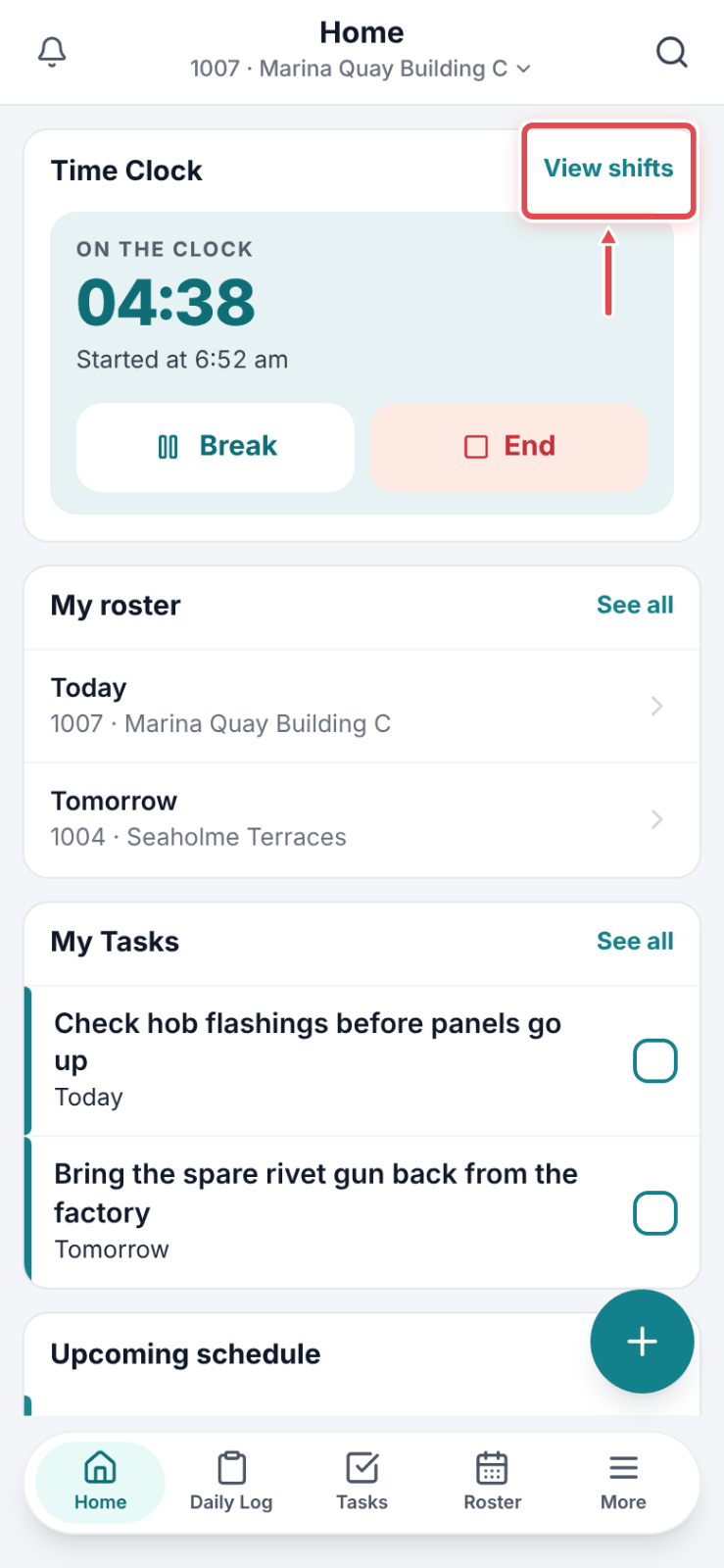
Step 1: While you are on the clock, tap View shifts on the Time Clock card on Home.
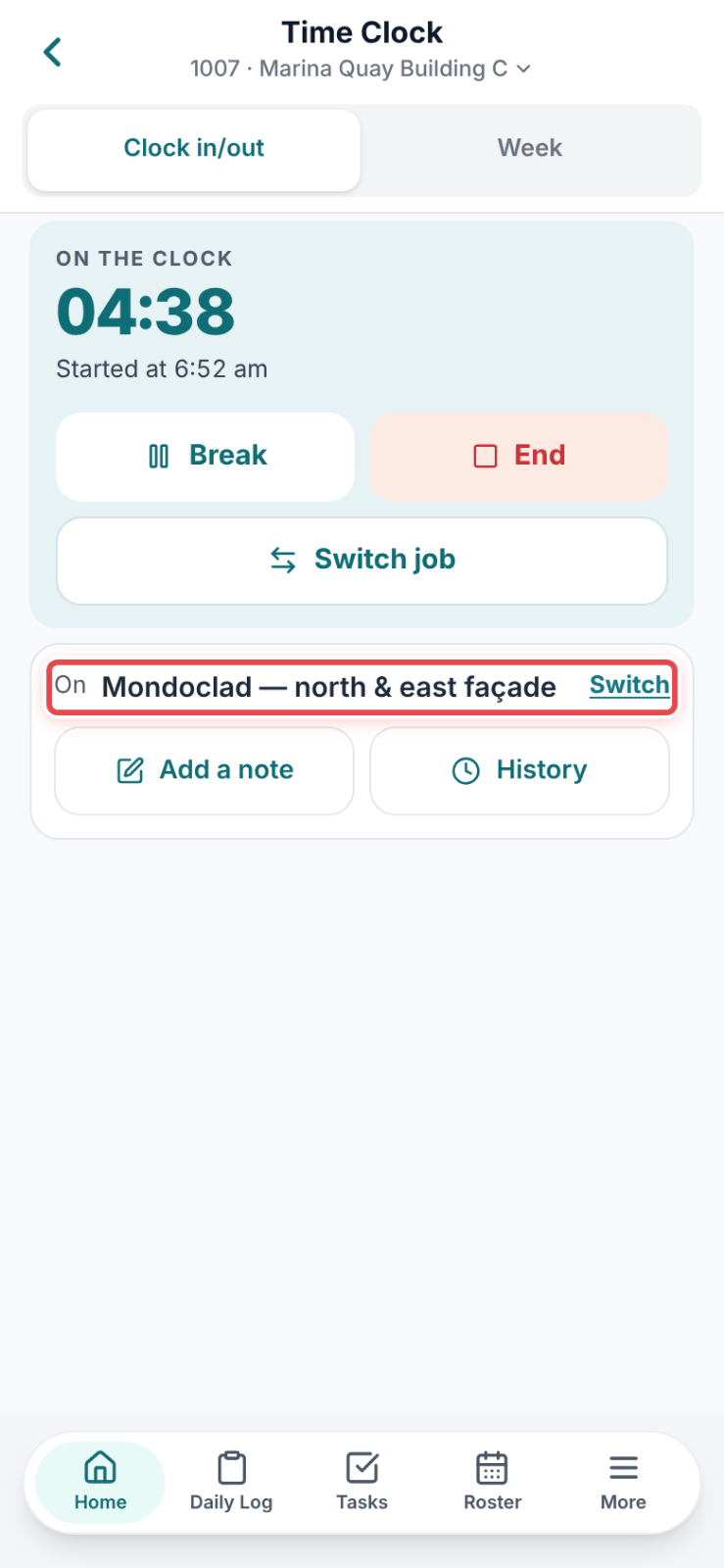
Step 2: Under the clock, the On line shows the scope you are on. Tap Switch.
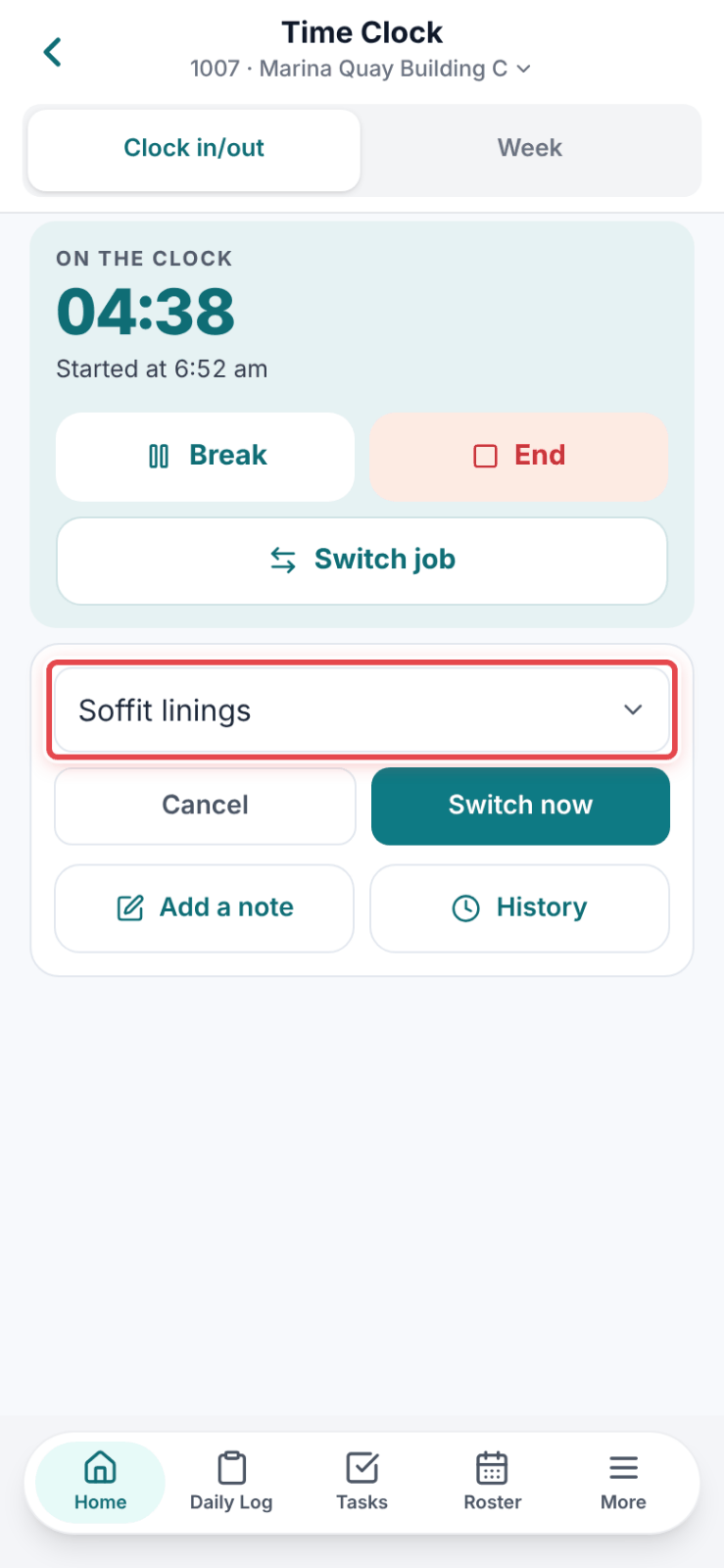
Step 3: Pick the scope you are moving to.
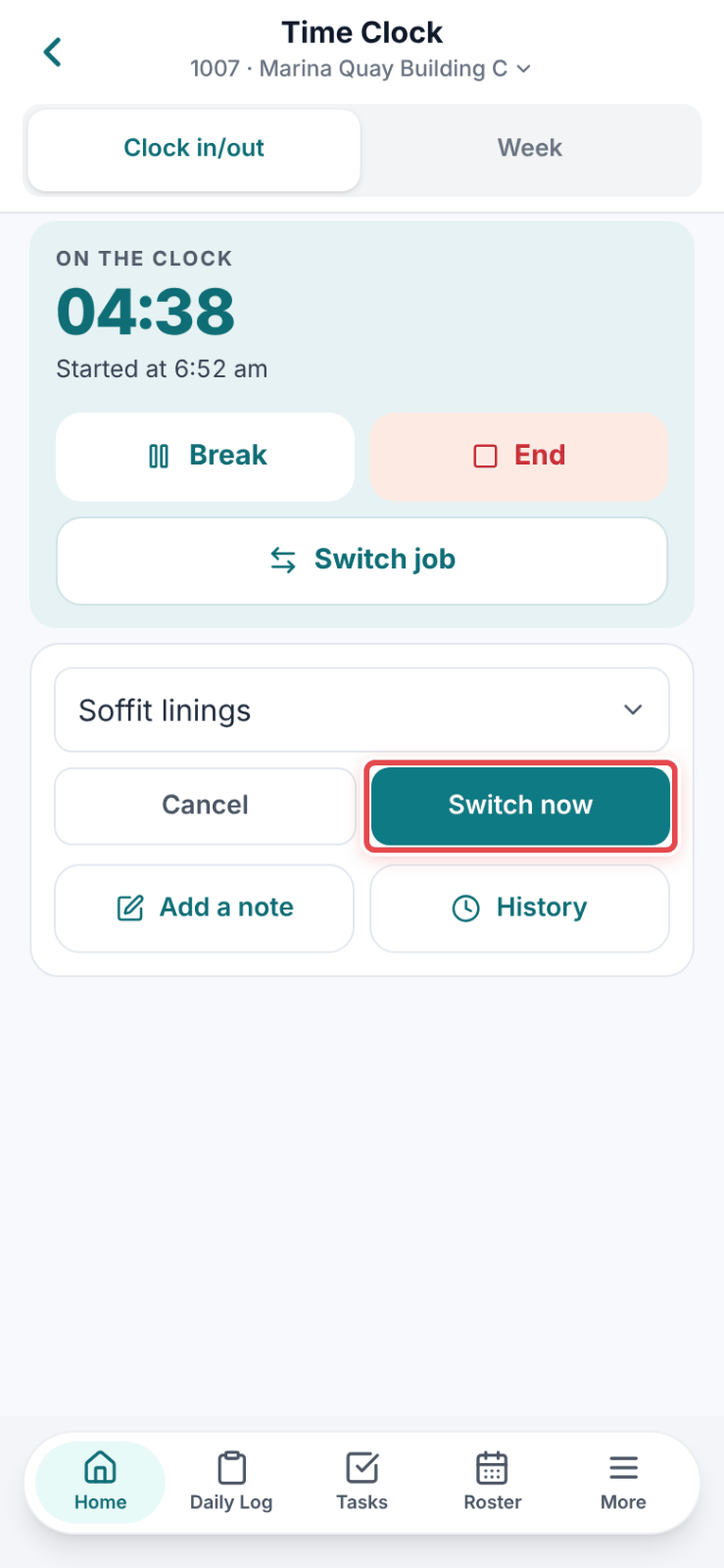
Step 4: Tap Switch now. The hours before the tap stay on the old scope; the clock carries on against the new one.
Good to know
Note — Switch only shows when the job has more than one scope, and not while you are on a break.
Tip — Changed your mind? Cancel leaves the shift exactly as it was.