Set the job's margin and preliminaries
Apply preliminaries and margin across the whole estimate in one step.
On a computer · 4 steps · Updated
Video transcript
- 2:09Under the three dots, Margin sets the job's prelim and margin.
- 2:16Every change saves itself, and Undo takes it back.
Steps
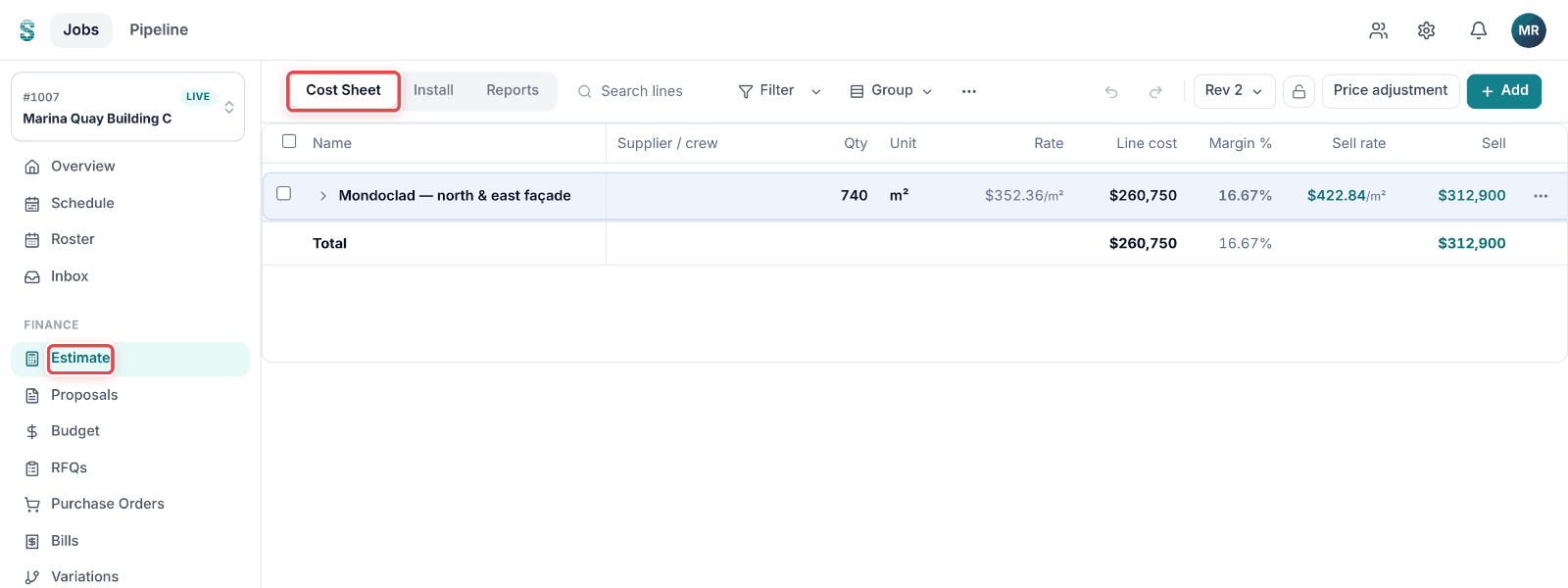
Step 1: Open a job, then go to Estimate. The Cost Sheet tab opens.
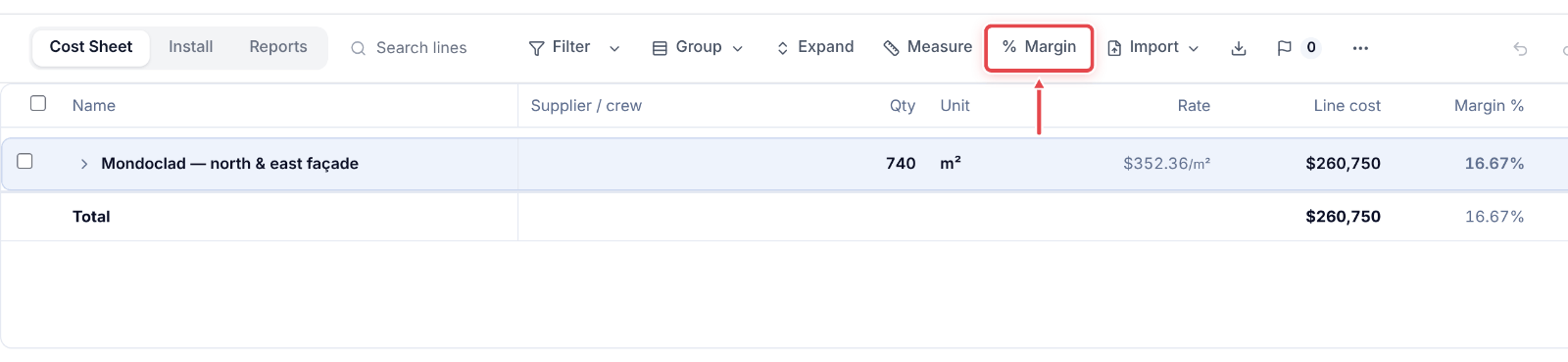
Step 2: Click % Margin in the toolbar. On a smaller screen it is under ⋯.
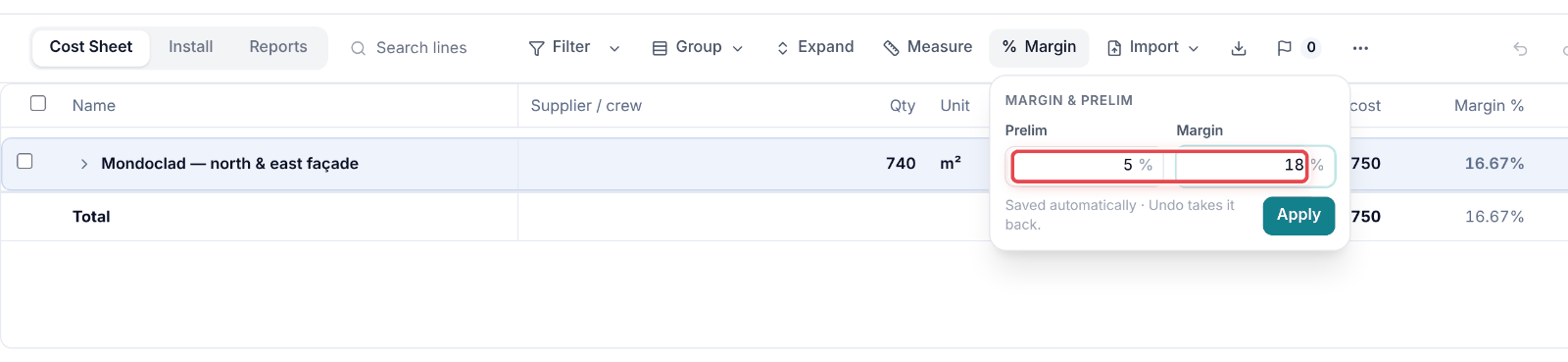
Step 3: Type the Prelim and Margin percentages.
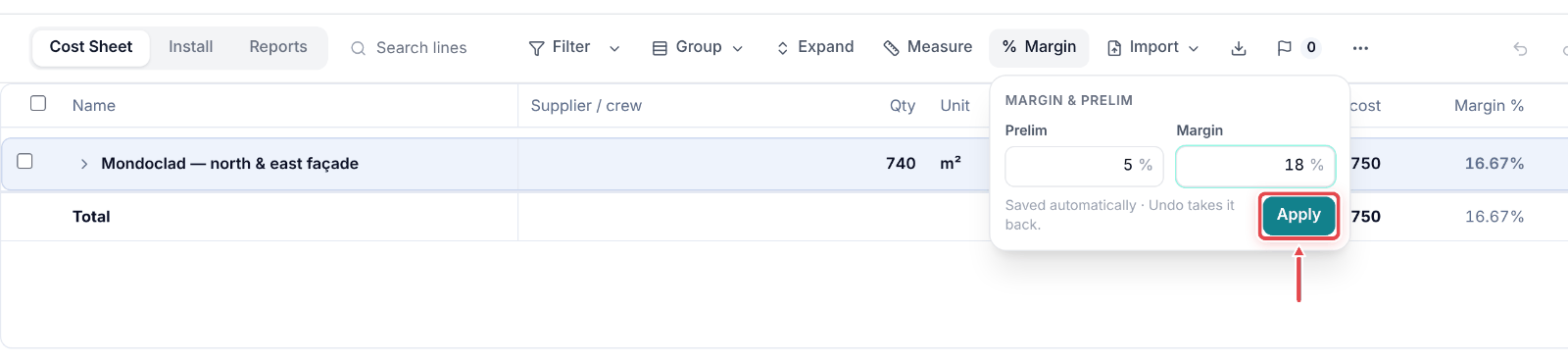
Step 4: Click Apply. The whole estimate reprices.
Good to know
Note — Prelim can be 0 or more; margin must be under 100.
Tip — Undo takes the whole change back in one step.