See the job's schedule
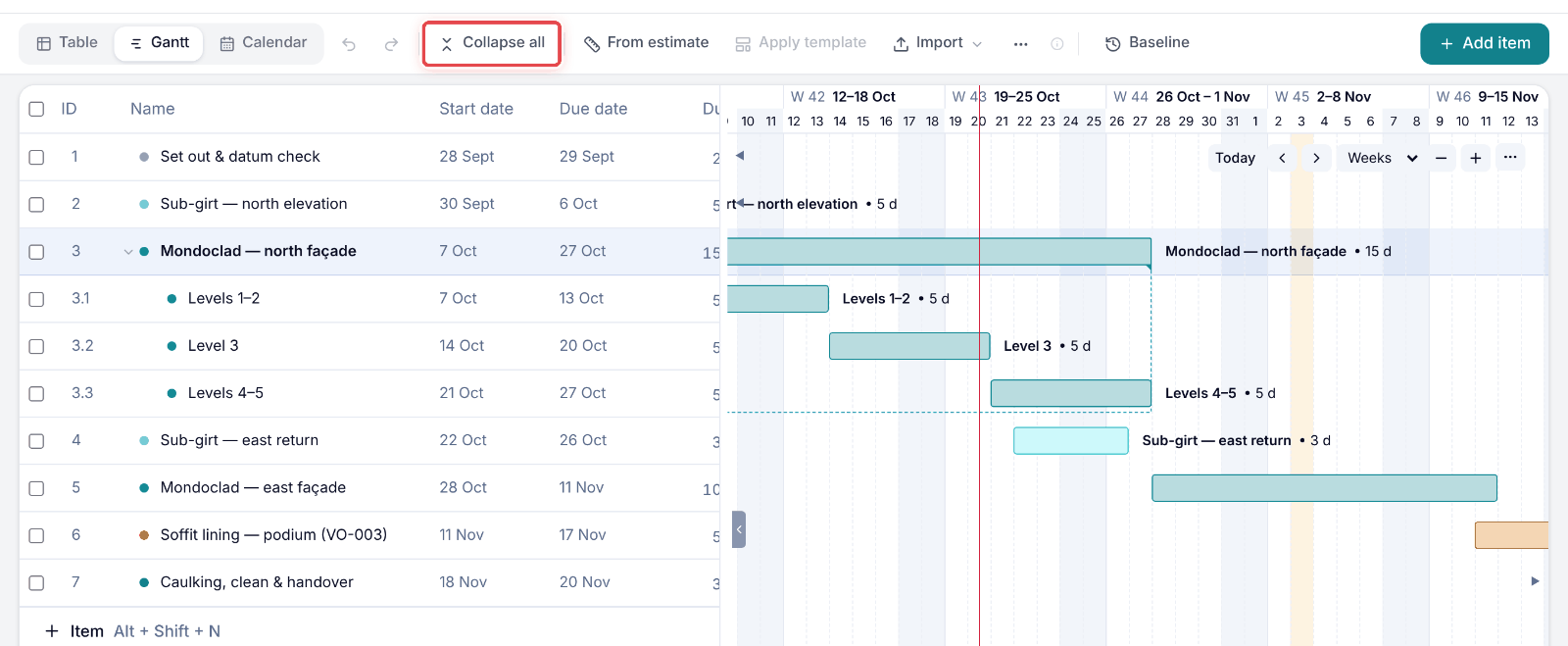
Open the programme for a job — the Gantt on a computer, the Agenda on your phone.
On a computer or your phone · Updated
Steps
Step 1: Open a job, then go to Schedule. It opens on the Gantt.
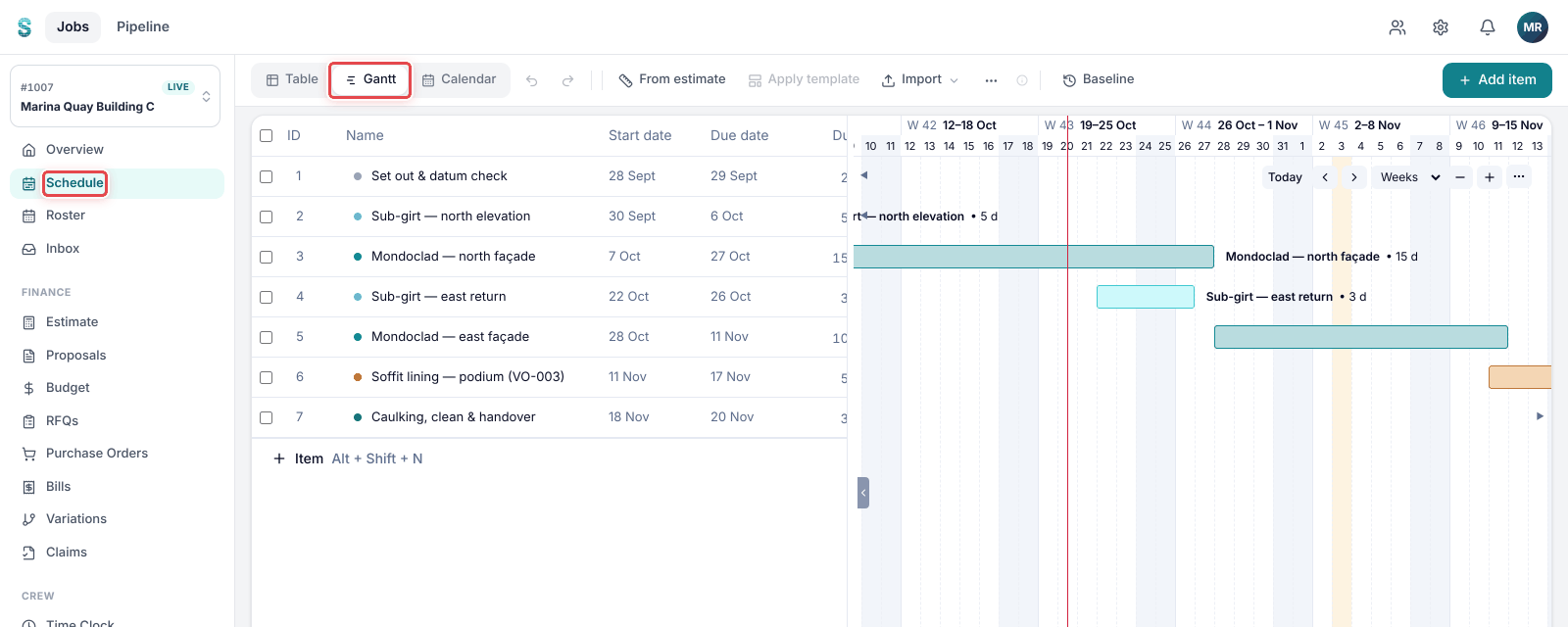
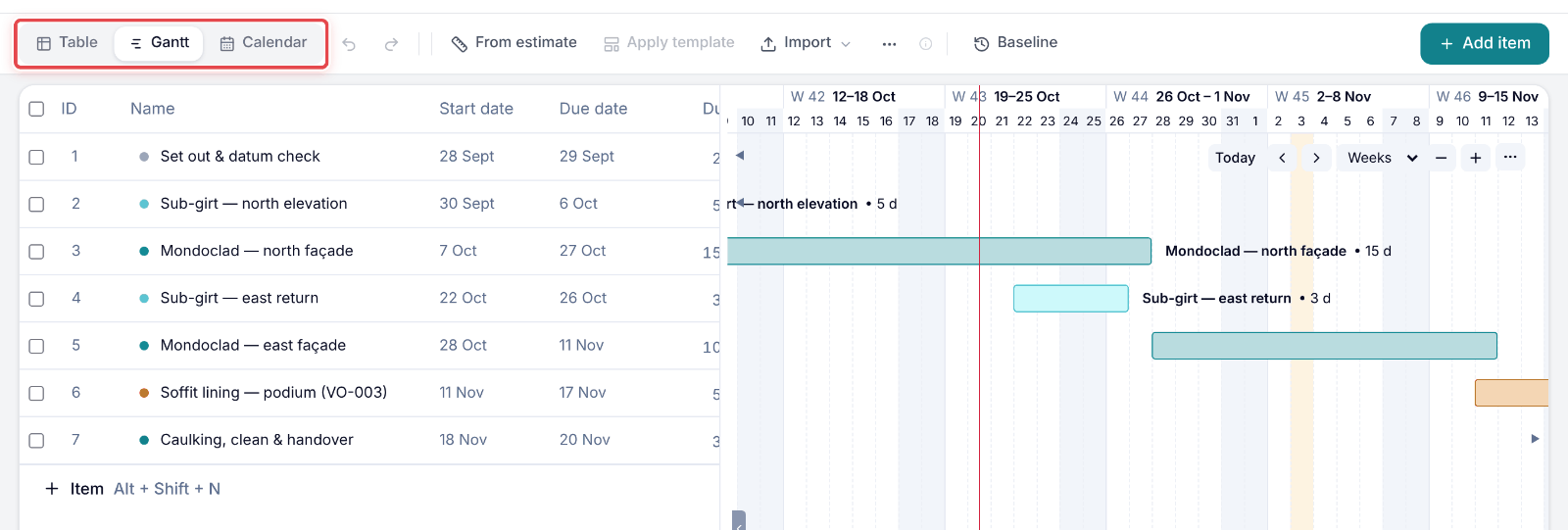
Step 2: Use the view switch to change between Table, Gantt and Calendar.
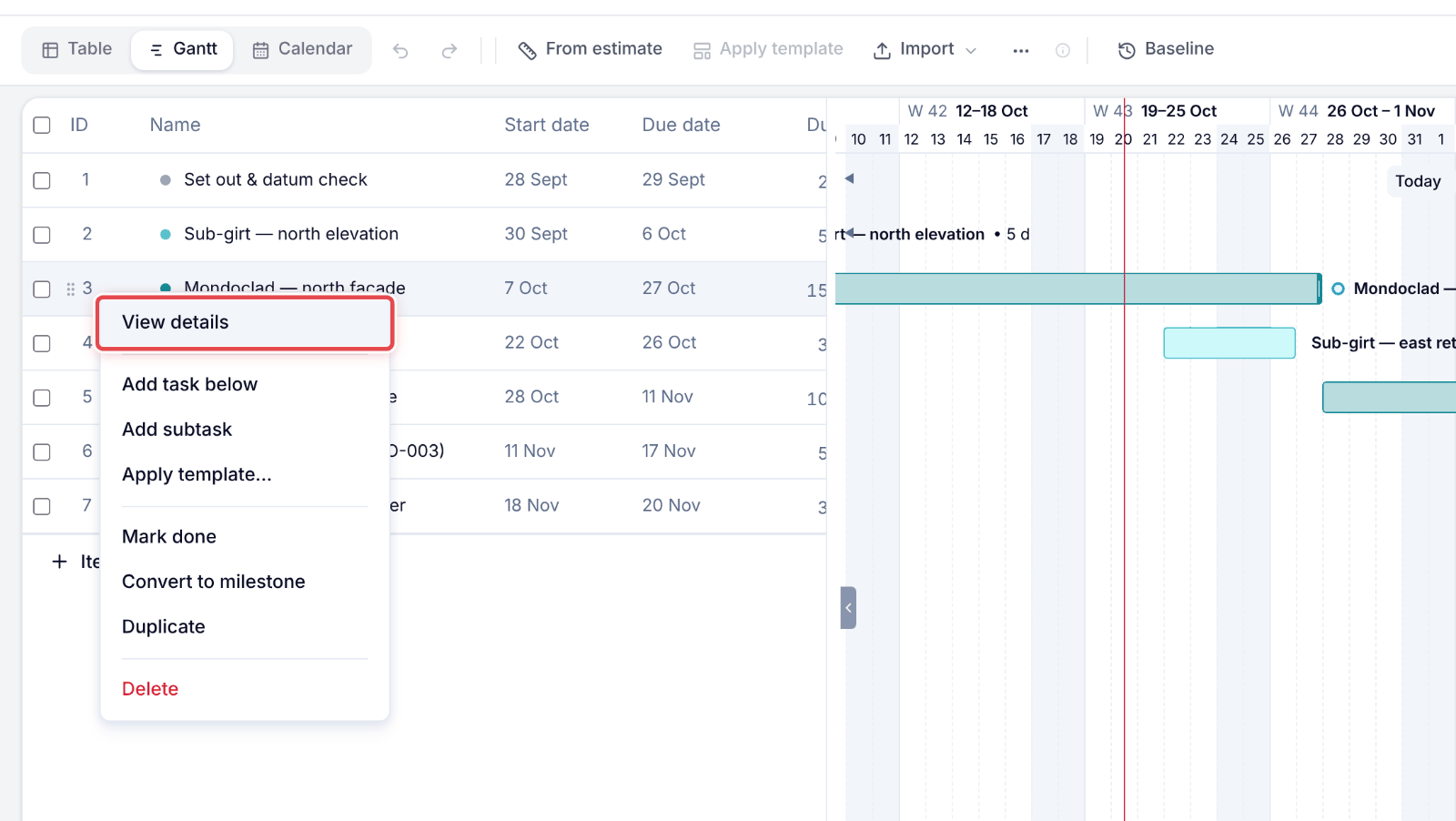
Step 3: Right-click an item and pick View details to see its dates, links and notes.
Step 4: If items have sub-items, Collapse all folds them away and Expand all opens them again.
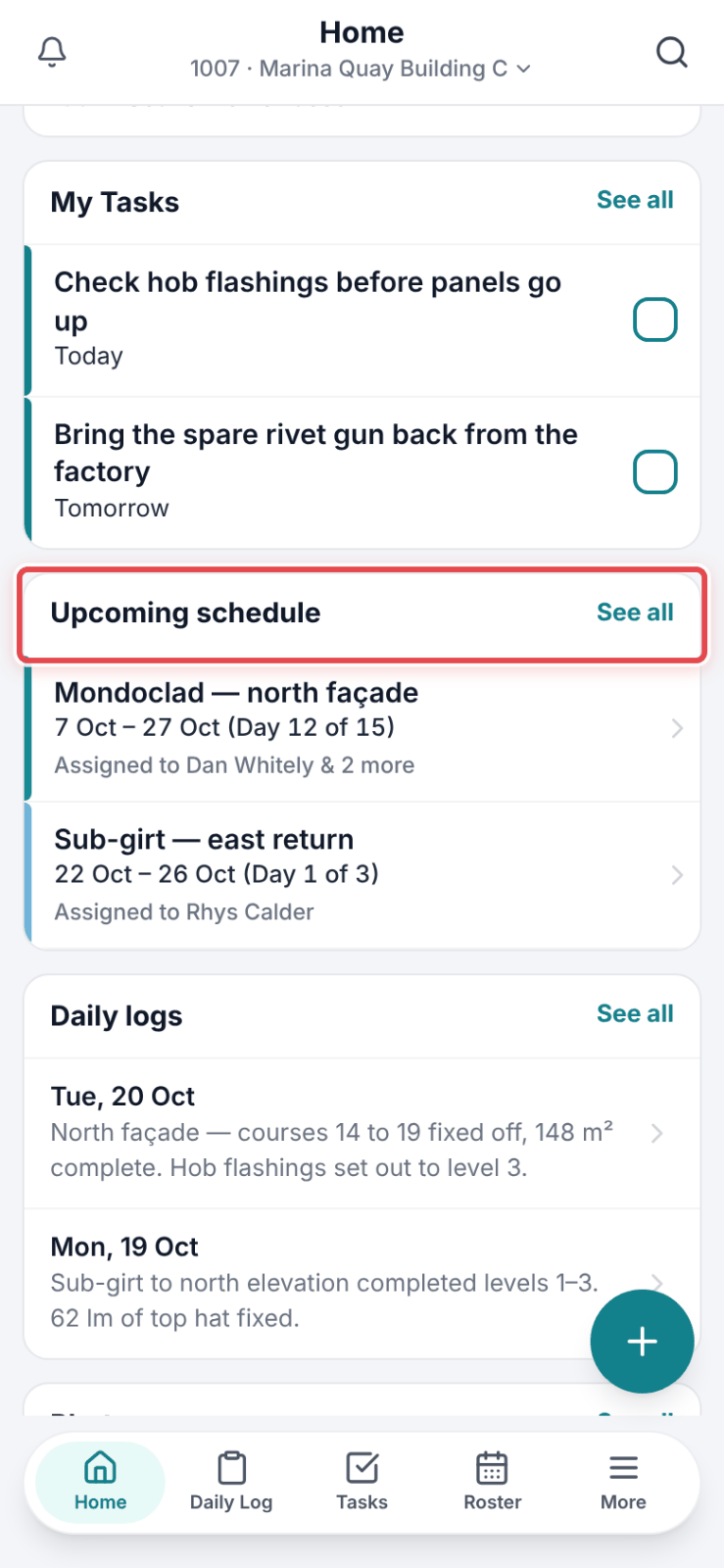
Step 1: On Home, the Upcoming schedule card lists what is coming up. Tap See all.
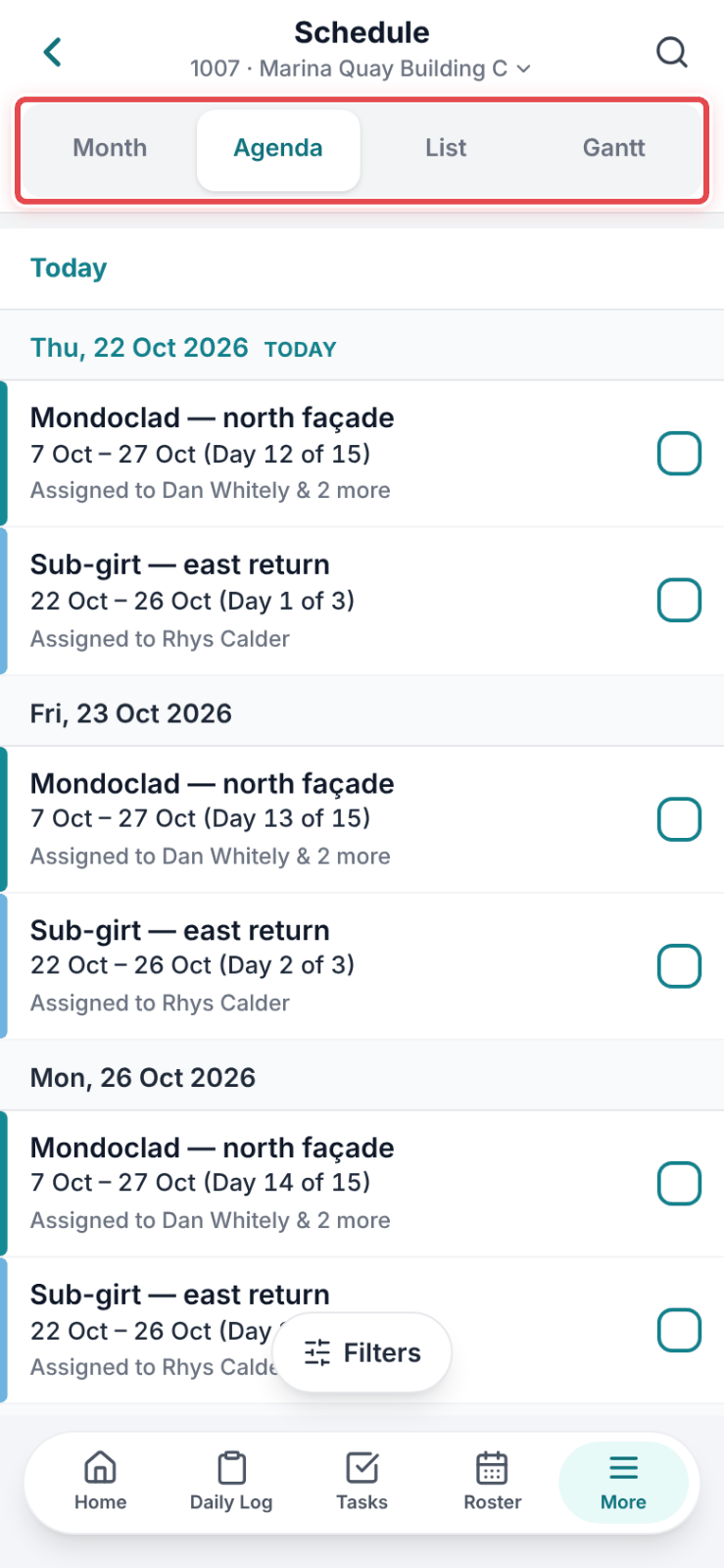
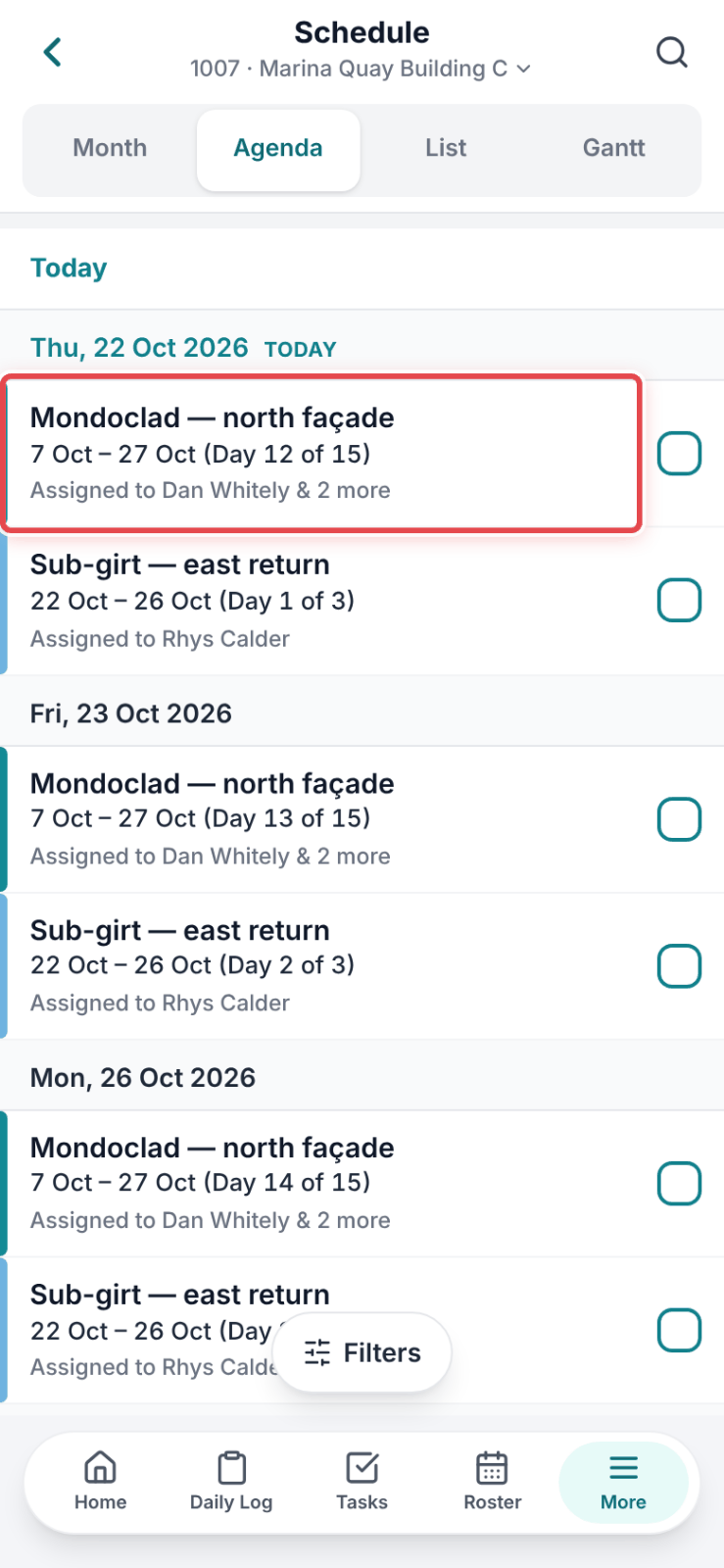
Step 2: The schedule opens on Agenda, today first. Use the view switch for Month, List or Gantt.
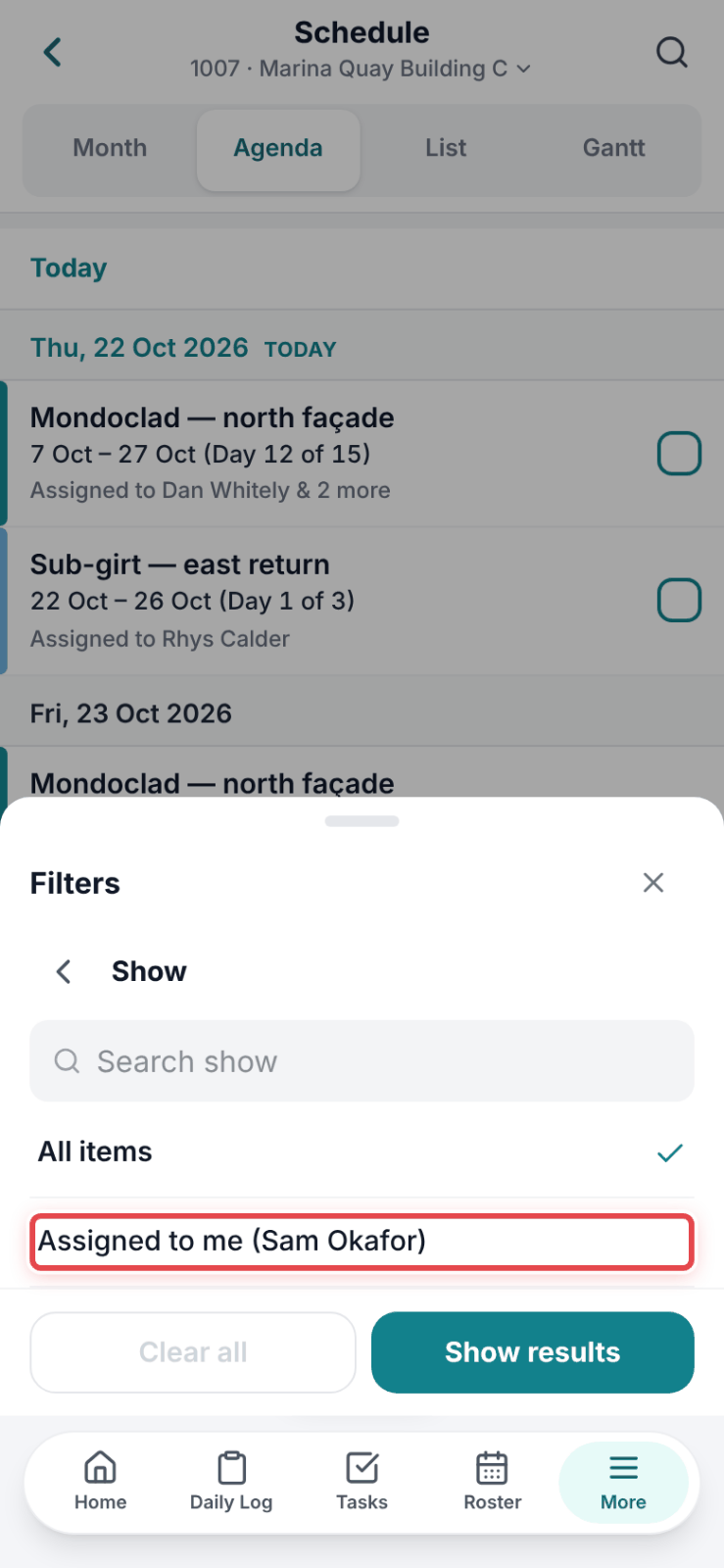
Step 3: Tap Filters, then Assigned to me under Show, to see only your items.
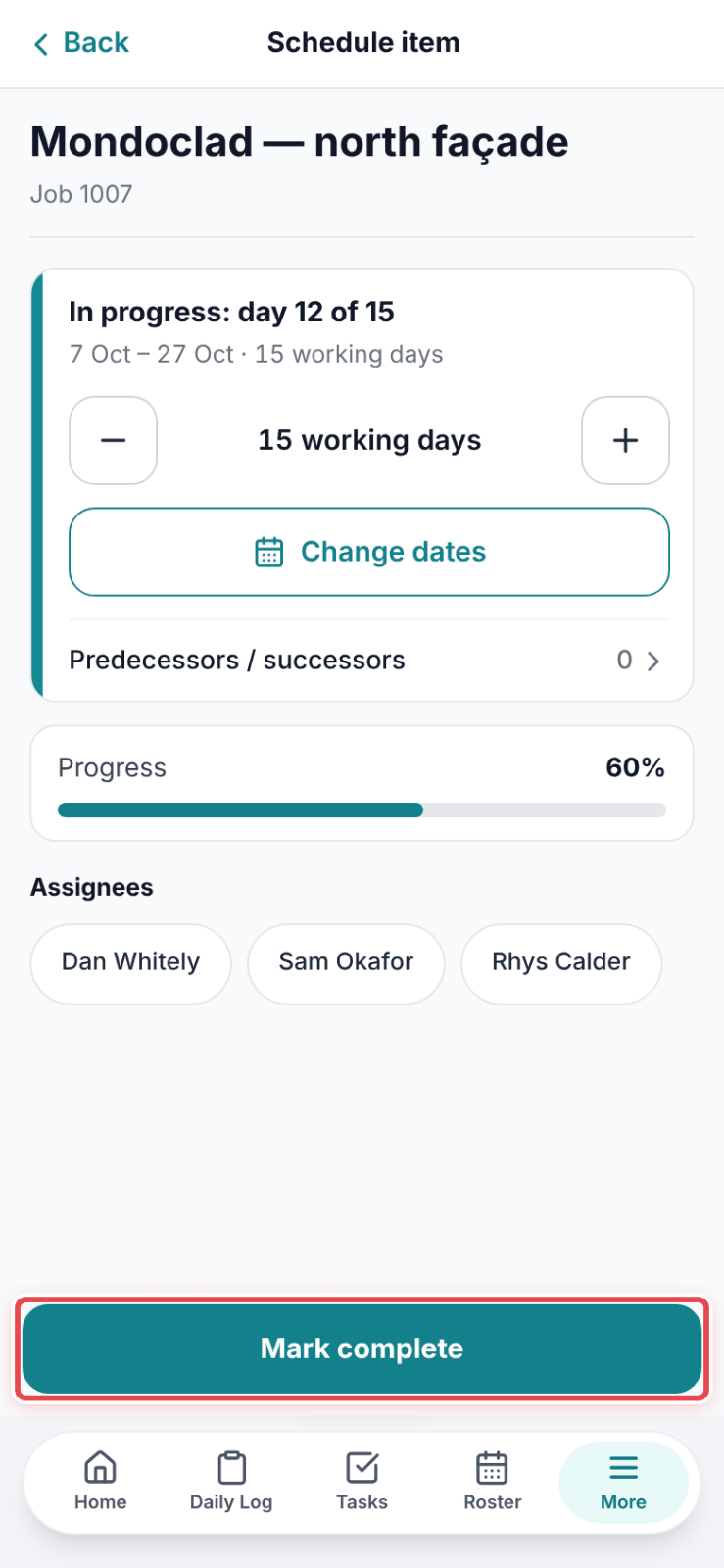
Step 4: Tap an item to open it — dates, assignees and notes.
Step 5: Finished it? Tap Mark complete at the bottom.